
Your Remote Work and Learning Companion
We explore remote work and learning tasks with practical, step-by-step guides for essential tools on laptops and smartphones. From crystal-clear calls to tidy cloud folders and focused routines, you’ll set up reliable systems that reduce friction, protect privacy, and amplify results. Try the tips, save your favorite checklists, and share questions so we can refine future walkthroughs together.
Crystal-Clear Communication Anywhere
Master video meetings on Zoom, Google Meet, and Microsoft Teams across laptops and phones with dependable audio, flattering lighting, and thoughtful etiquette. You’ll learn quick preflight checks, bandwidth-saving choices, noise control, and backup options that prevent awkward delays. Share your favorite shortcuts or request a platform we should cover next, and we’ll expand this guide.
Collaborate in the Cloud Without Chaos
Keep files organized and available everywhere with Google Drive, OneDrive, or Dropbox, avoiding duplicate versions and accidental deletions. We’ll build a simple structure, set offline access on laptops and phones, and share safely with the right permissions. Tell us your use case, and we’ll tailor practical checklists.
Notes That Actually Get Used
Turn scattered ideas into dependable knowledge using OneNote, Notion, Evernote, Apple Notes, or Google Keep. We’ll capture fast on phones, expand on laptops, and link notes to tasks and calendars. Expect templates, keyboard shortcuts, and retention tricks that transform pages into finished outcomes.

Capture Ideas in Under Ten Seconds on Any Device
Set a widget or shortcut on your phone for instant text capture, voice dictation, or a quick photo. On laptops, pin a global hotkey that opens a new note. Tag minimally with broad labels, then file during a weekly review to keep momentum uninterrupted.

Turn Lecture or Meeting Notes into Actionable Tasks
Finish every session by highlighting decisions, owners, and deadlines. Convert bullet points into tasks inside Notion, Asana, or your calendar with due dates and reminders. Link the task back to the note so context travels with you and accountability remains visible across devices.

Set Up a Simple Kanban That Scales
Create three columns—To Do, Doing, Done—then add Backlog and Blocked as your work grows. Define a clear definition of done. Assign owners, labels, and due dates. On phones, enable swipe gestures for quick updates between meetings so your board always reflects reality.

Automate Reminders Without Creating Notification Exhaustion
Start with a single daily digest summarizing due items and blockers. Add per-task reminders only for time-sensitive work. Use rules that move cards when checklists complete. On mobile, mute noisy channels, but star critical projects, preserving attention while ensuring nothing urgent slips past unnoticed.
Track Progress Visually and Report in Minutes
Enable card aging, burndown charts, or simple percent-complete fields. Create a weekly snapshot list for wins and learnings. Export a concise report from desktop, and share a short screen recording from your phone, inviting feedback that strengthens transparency, morale, and shared responsibility across your group.

Focus, Boundaries, and Energy Management
Protect attention with device-level Focus modes, calendar time blocks, and tiny rituals that mark beginnings and endings. We’ll configure Do Not Disturb, define app allowances, and set auto-replies. Expect kinder workdays, clearer boundaries, and enough recovery to learn, create, and show up consistently.
Install a Password Manager and Move Your Logins Safely
Pick Bitwarden, 1Password, or similar. Create a strong, memorable master password, then enable biometrics on phone and laptop. Import credentials, generate unique passwords, and save recovery codes. Turn on breach alerts and practice emergency access so families or teammates can help if needed.
Turn On Two-Factor Everywhere, Prefer App Codes Over SMS
Add authenticator apps for major services, storing backup codes securely. Replace SMS where possible to avoid SIM-swap risks. On laptops, use browser extensions for quick fill; on phones, pin widgets for faster code access. Review devices and sessions monthly, then sign out remotely as needed.
Protect Connections with a VPN and Keep Devices Updated
Use a trustworthy VPN when traveling or using public networks, prioritizing modern encryption and a strict no-logs policy. Enable automatic OS and app updates. Activate device finders and remote wipe. Share any concerns, and we’ll help translate jargon into clear, actionable next steps.
Security and Trust for Remote Life
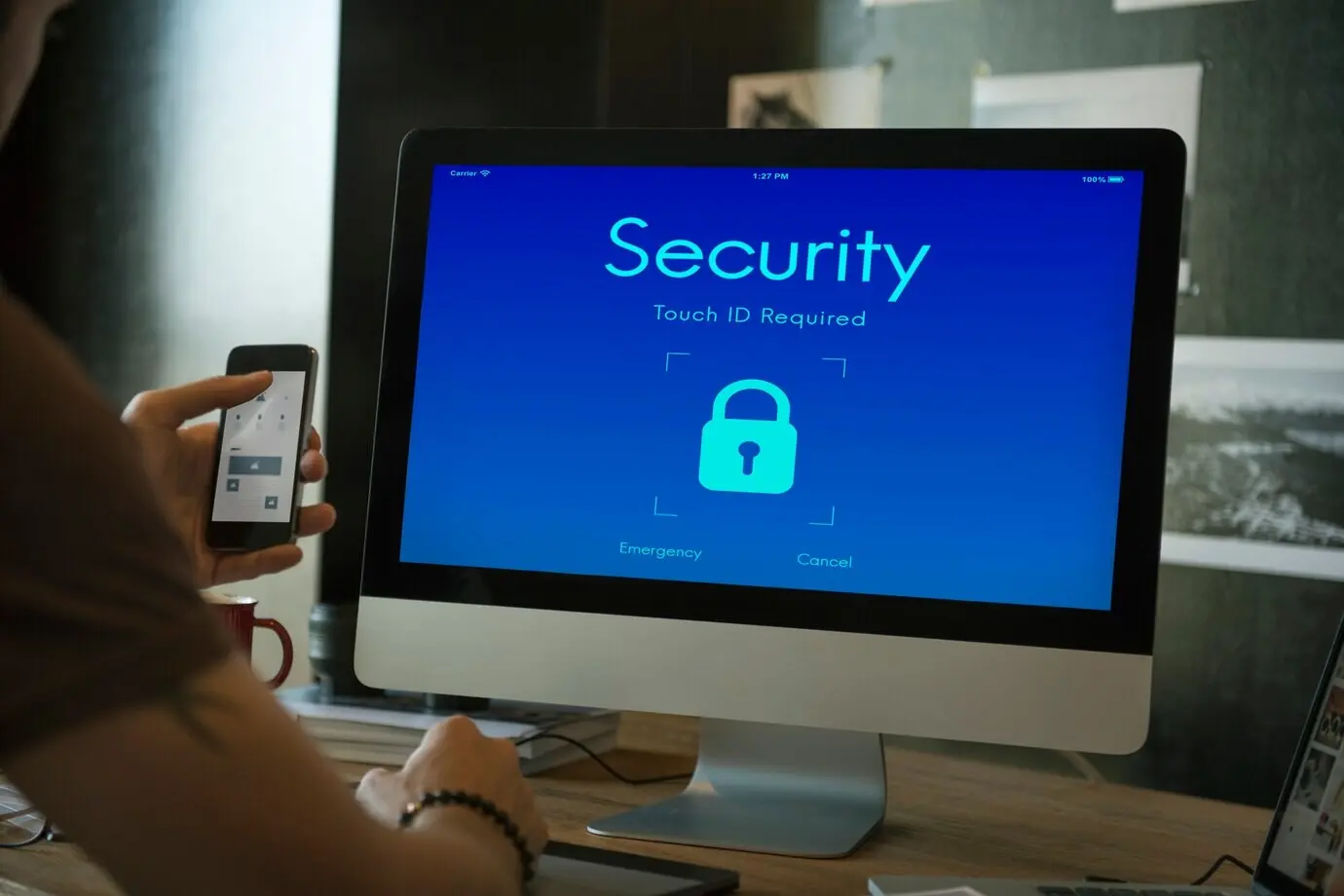
Keep accounts, files, and connections protected without drowning in complexity. We’ll set up a password manager, enable two-factor authentication, explore passkeys, choose a reputable VPN, and schedule updates. The goal is confidence: devices stay clean, data stays private, and access remains under your control.